


Cherry Studio Mobile
Cherry Studio Mobile brings model chat, agents, skills, plugins, file work, and image creation to Android, iPhone, and iPad. It also connects to desktop agents and remote servers.
- First time here? Use Quick start to choose an account/provider and send a message.
- Upgrading? Read changes to familiar workflows, then open the relevant guide.
- An operation failed? Start with checks and AI diagnosis and troubleshooting.
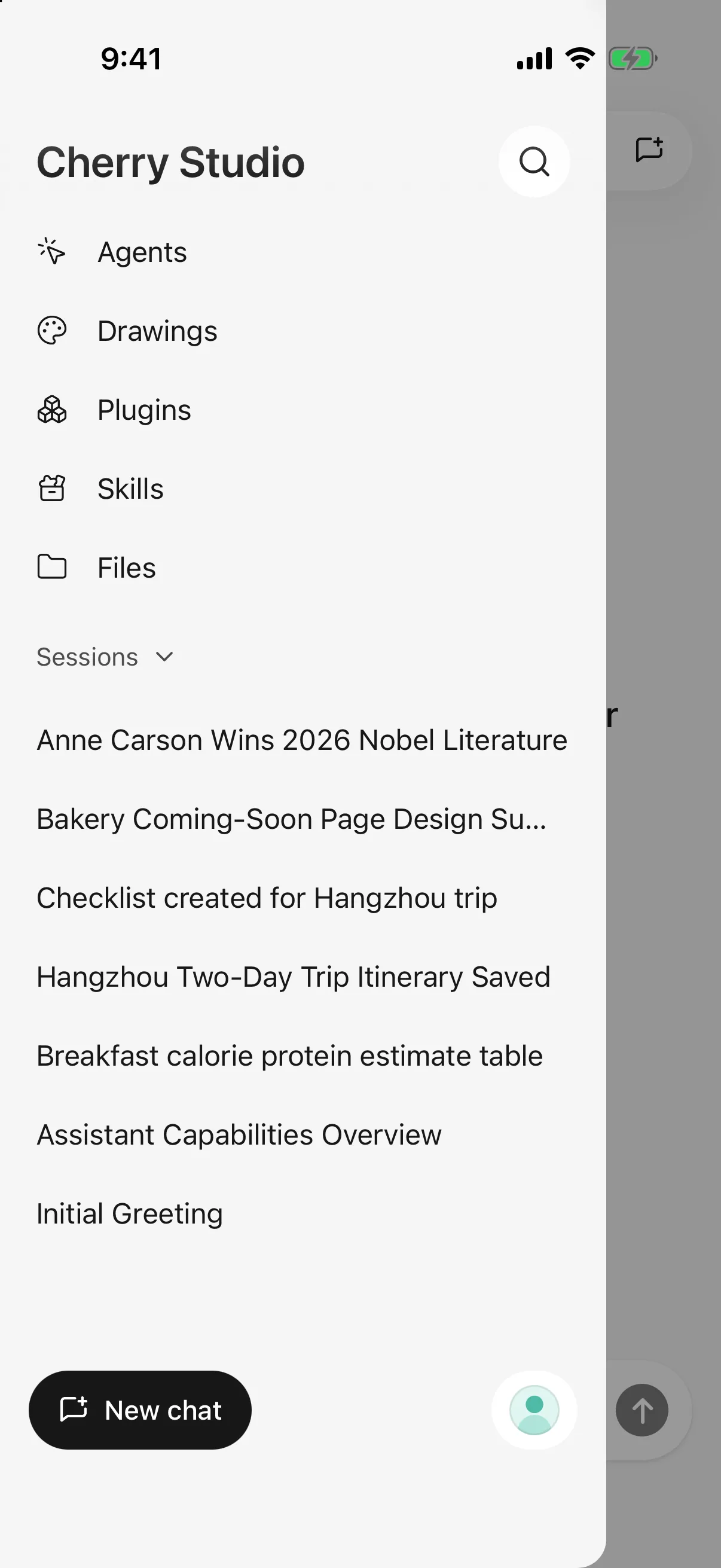
iPhone · Open agents, drawings, plugins, skills, and files from the sidebar
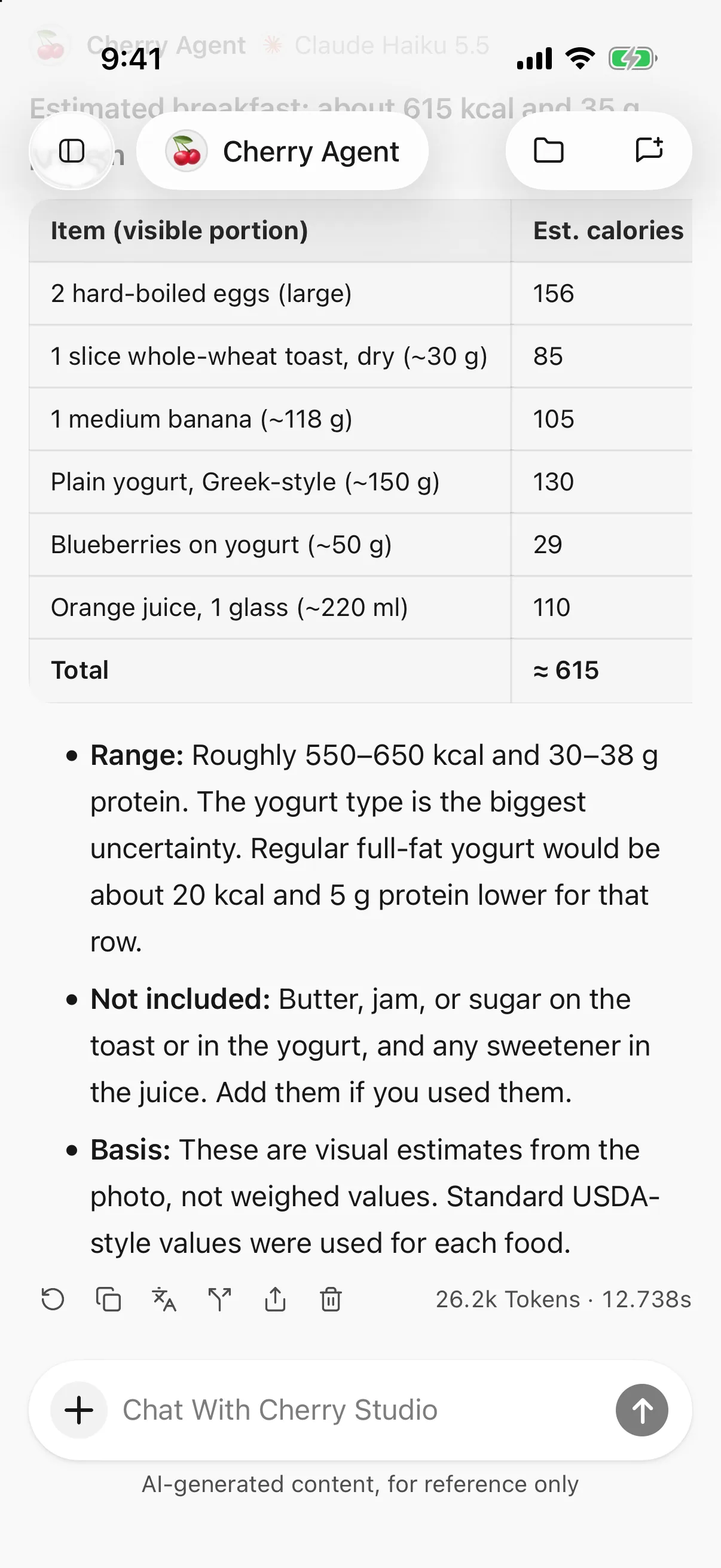
iPhone · Conversation example · Turn information from a photo into a table
Current status
- Android is available through Google Play, with GitHub APK downloads on the international download page.
- Install on iPhone/iPad through the App Store, or use an available TestFlight beta.
- See download and installation for installation steps, updates, and switching channels.
Upgrading? Check these workflow changes
| Earlier workflow | Current behavior |
|---|---|
| Enable search, calendar, or drawing switches per agent | Built-ins follow model/platform/service/OS access; retired switches are gone, while Skills/MCP retain bindings. See agents |
| Regeneration replaces the only answer | Multiple models and retained paths are supported; editing a question creates a branch. See branches |
| Include thinking and choose paged/long chat images | Select in the original chat; export final content only. Image cards have a height cap; use HTML/Markdown for full content. See sharing |
| Only text files can be created, with HTML converted for PPT | Create/edit native Word, Excel, and PowerPoint files directly; HTML conversion still produces picture slides. See files |
| Find Backup directly on settings home | Backup, DeepSeek import, and runtime-cache cleanup live in Settings → Data. See settings |
| Skill discovery only shows mobile-tagged entries | The mobile filter is gone; still check actual tool requirements after installing. See Skills |
Find the guide for your task
Getting started
Download and install · Quick start · Accounts and organization spaces · Import from desktop
Everyday tasks
Chat and files · Multiple models and conversation branches · Voice and audio transcription · Reply and skill-document translation · File library and shared workspaces · Create and edit files · HTML to image and PPT · Web search and page reading · Image generation · Sharing and export
Agents & automation
Agents and tools · Skills · Let AI use tools · Calendar and reminders · Location and health records · Plugins and external tools
Computers & servers
Desktop agents and scheduled-task results · UU Remote desktop · SSH remote servers
Configuration & data
Providers and models · Model management · Model information and list updates · Import DeepSeek conversations · Settings, usage, and background replies · Backup and restore · Data, privacy, and permissions
Troubleshooting
Checks and AI diagnosis · Troubleshooting · Ask an effective question · Report a problem
Developers & contribution
Mobile documentation contributions and issue reports
Your own model services require usable credits. Existing community entitlements and organization models follow their account service; plugin and other platform charges remain service-owned.