


Generative Mini Apps
Generative Mini Apps are local web apps that run inside Cherry Studio's Mini Apps. Unlike website mini apps, which simply open a URL, a generative mini app is installed from a .miniapp package and — with your permission — can call the AI models you have configured in Cherry Studio, turning a general model into a dedicated writing, extraction or learning tool.
Install a Generative Mini App
- Open Apps, then click the Add mini app tile at the end of the grid (or
+in the top-right corner) and switch to Local mini app. - Drag in a
.miniapppackage or click Choose file…. If the developer provides an HTTPS installation URL, paste it under Or install from a web address instead.
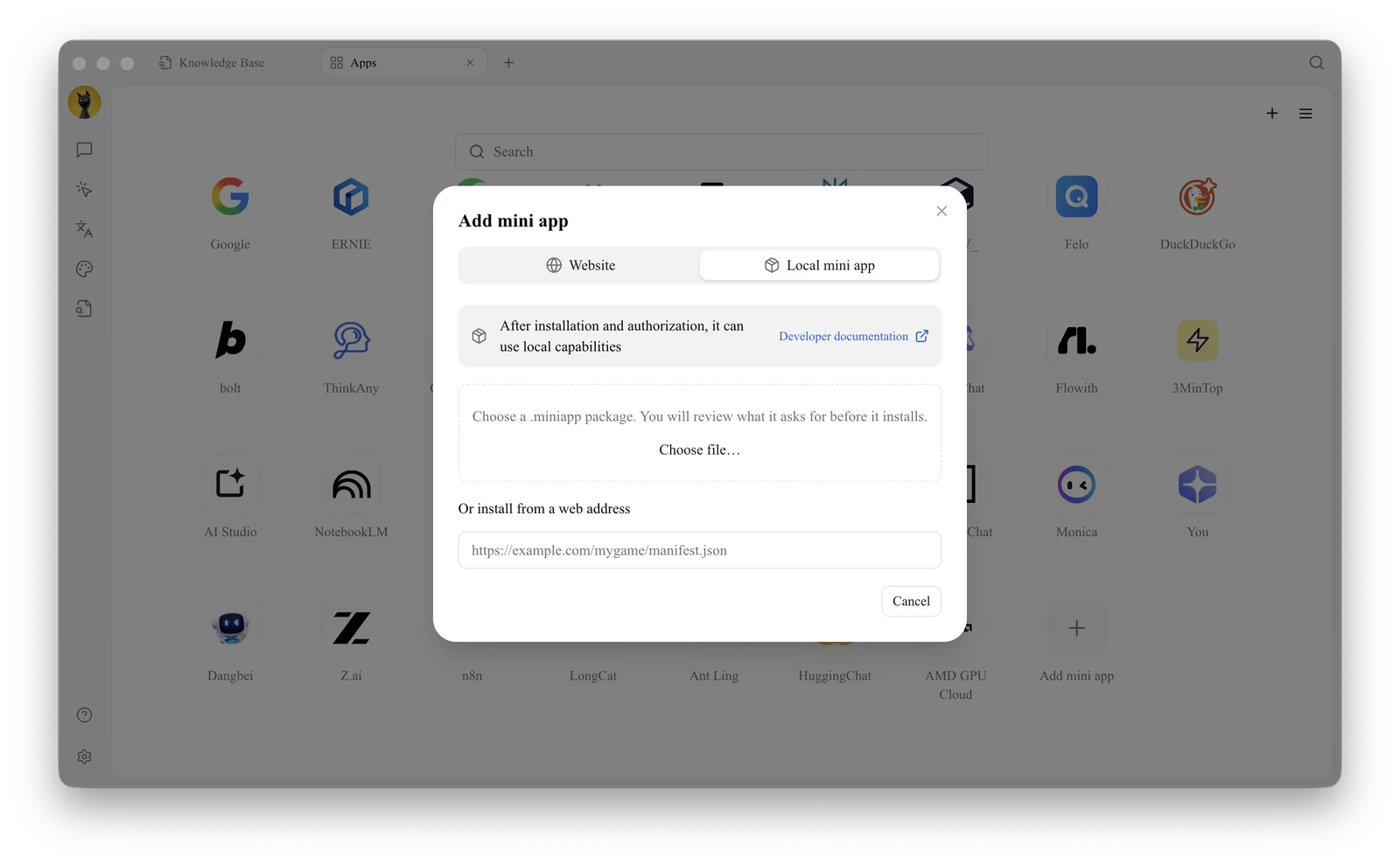
Local mini apps can be installed from a file or a URL
- Review the name, description and requested permissions, then click Install. Only install mini apps from sources you trust, and check that the permissions match what the app is for.
- The mini app appears in the Apps grid; click its icon to run it.
Get Help and Submit Feedback
If you have any questions, bugs, or feature suggestions during configuration or use, please use the official channels listed in Feedback and Suggestions.