


Knowledge Base Interface Reference
Use this page to identify the knowledge base interface. For the complete create → import → test → use workflow, start with Getting Started with Knowledge Bases.
Lists and Controls
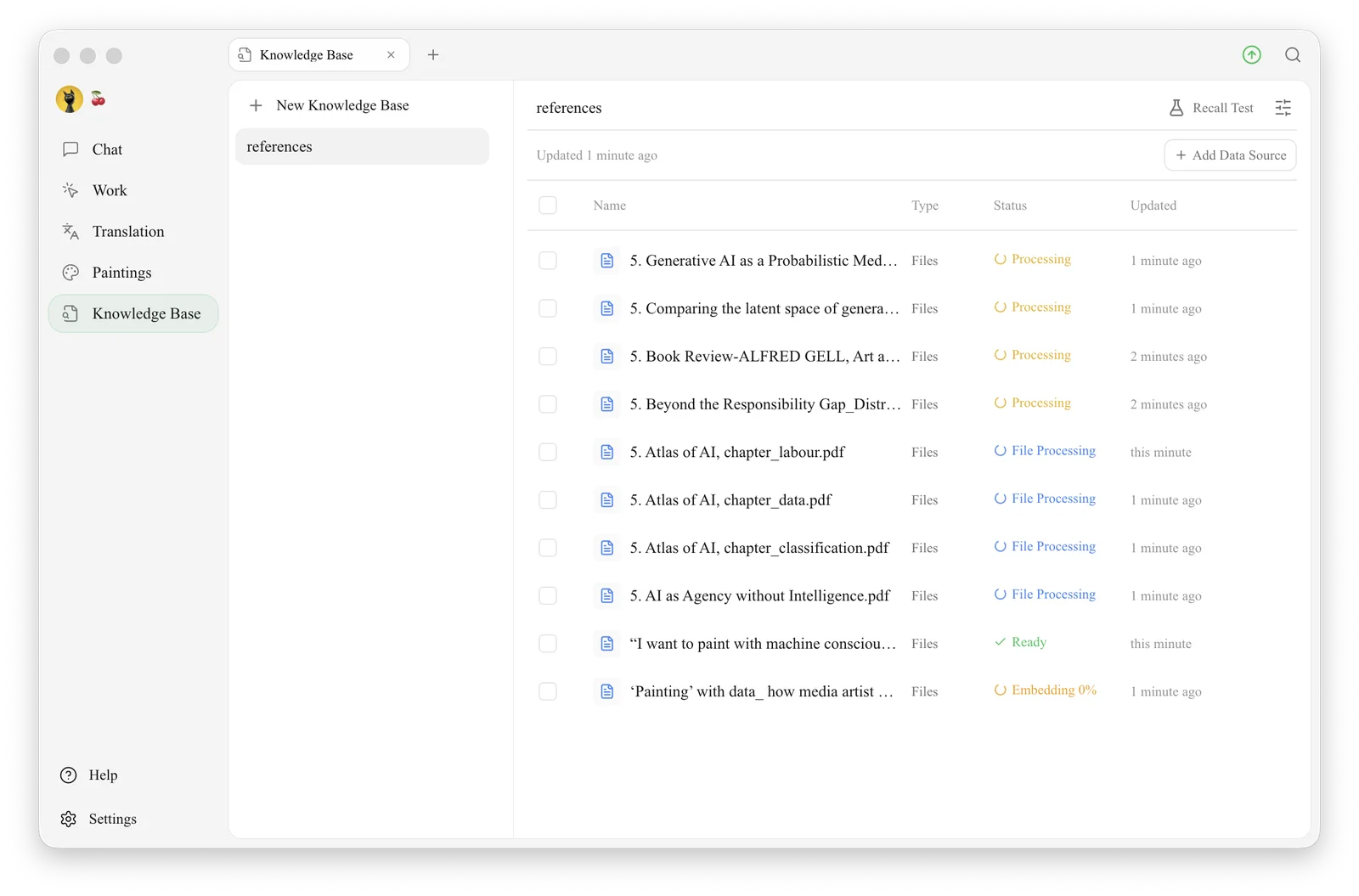
Knowledge Base: the left column lists your knowledge bases (with + New Knowledge Base at the top); the right side shows the selected knowledge base's items and their processing status, with Add Data Source and Recall Test at the top
| Area or control | Purpose | Related guide |
|---|---|---|
| Knowledge base list | Select a knowledge base or create one | Create a Knowledge Base |
| Source list | Inspect sources and their processing status | Add and Organize Material |
| Add Data Source | Import files, notes, folders, or links | Add and Organize Material |
| Recall Test | Check whether a question retrieves the correct passages | Verify Sources and Recall |
| Settings | Configure document processing, models, and retrieval | Model and Retrieval Settings |
Related Workflows
Use in Chat · Use with an Agent · Application Cases · Data, Privacy, and Maintenance