macOS
- First, go to the official website, click Download, and download the Mac version, or click directly below.

Cherry Studio official website
Please make sure to download the chip version corresponding to your Mac
- After the download is complete, open the downloaded file (for example, from your browser's download list)
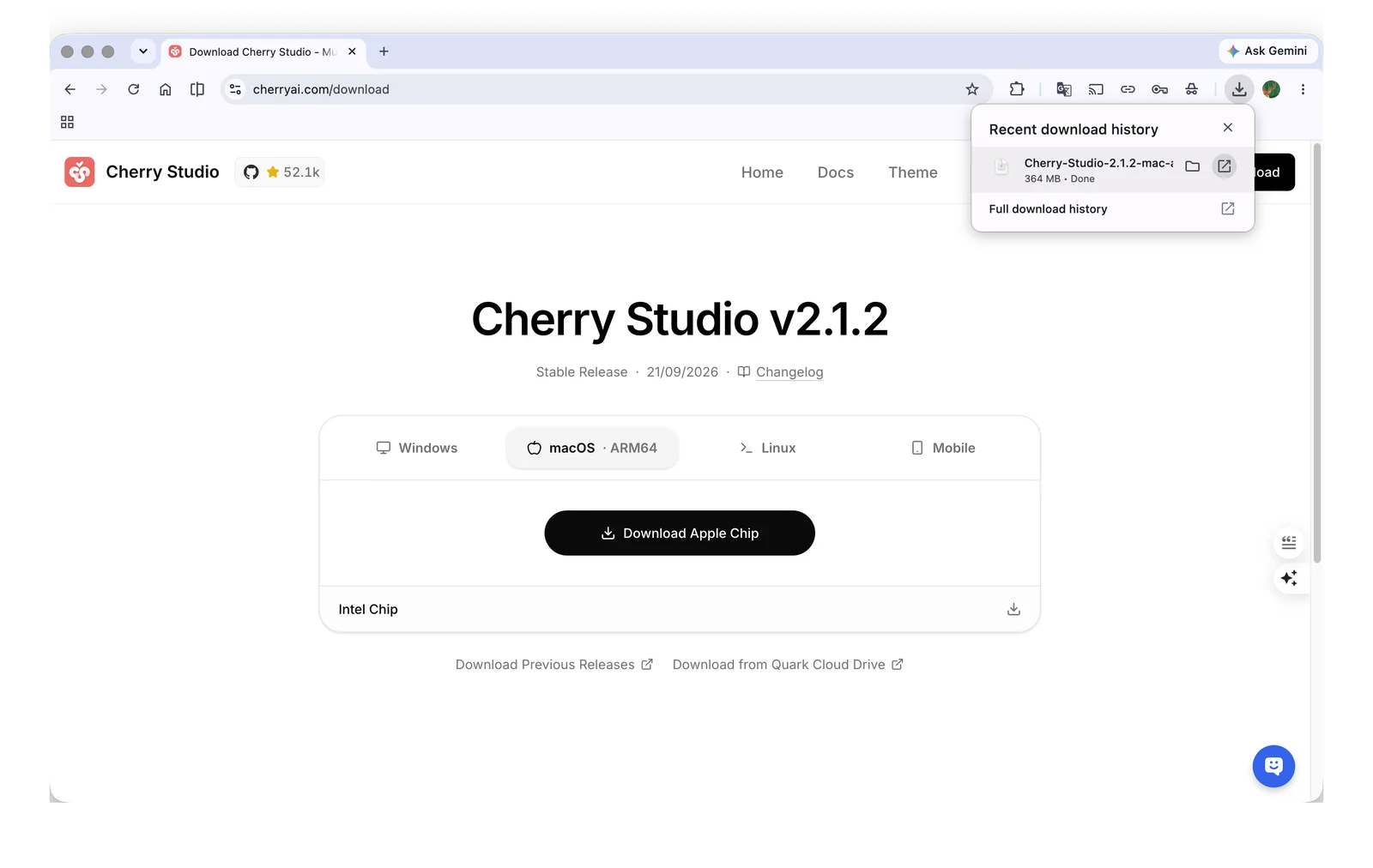
On the download page, macOS offers Apple Chip and Intel Chip installers
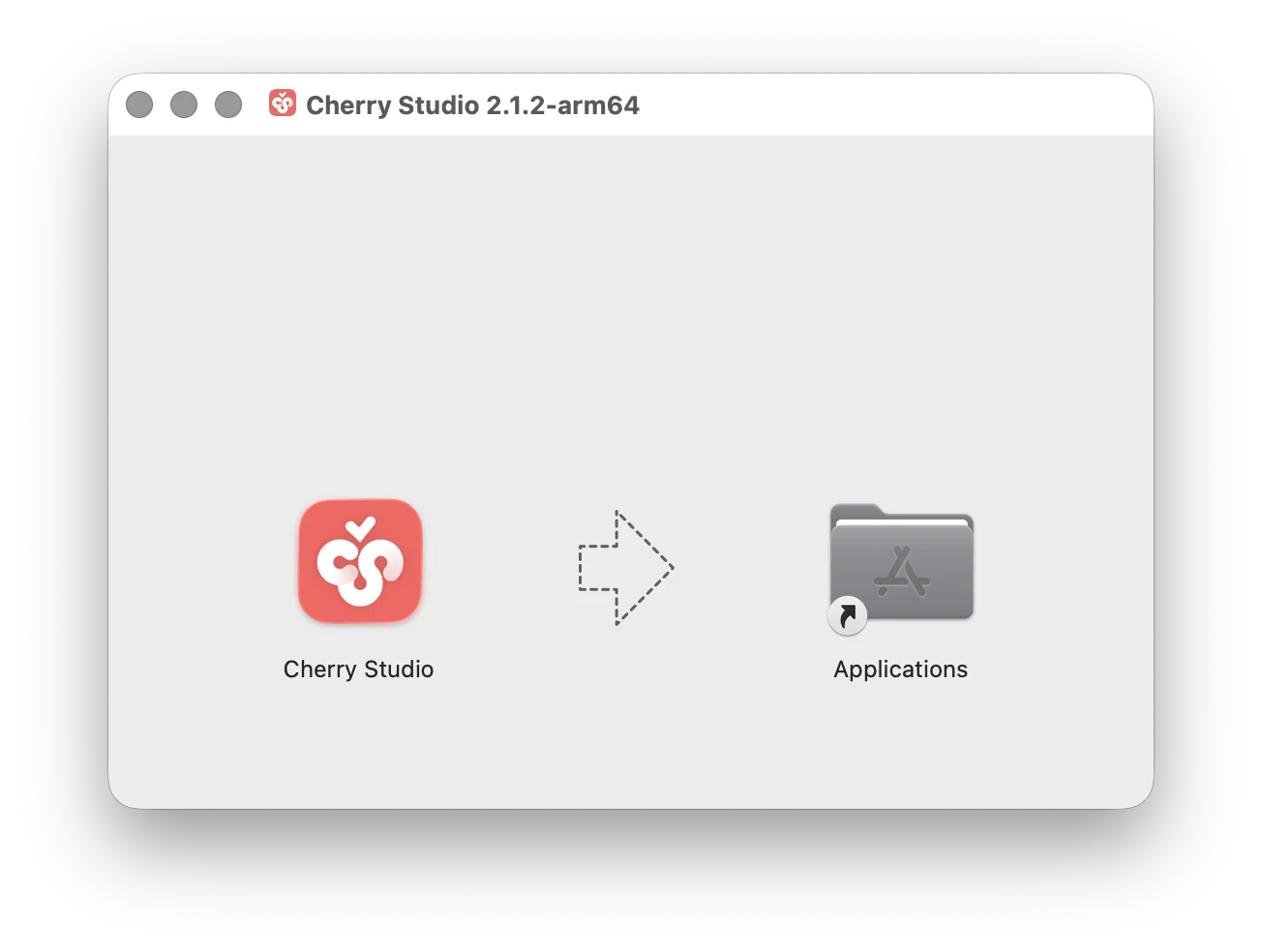
- Drag the Cherry Studio icon into the Applications folder to install
Find the Cherry Studio icon in Launchpad and click on it. If the Cherry Studio main interface opens, the installation is successful.