


CherryIN
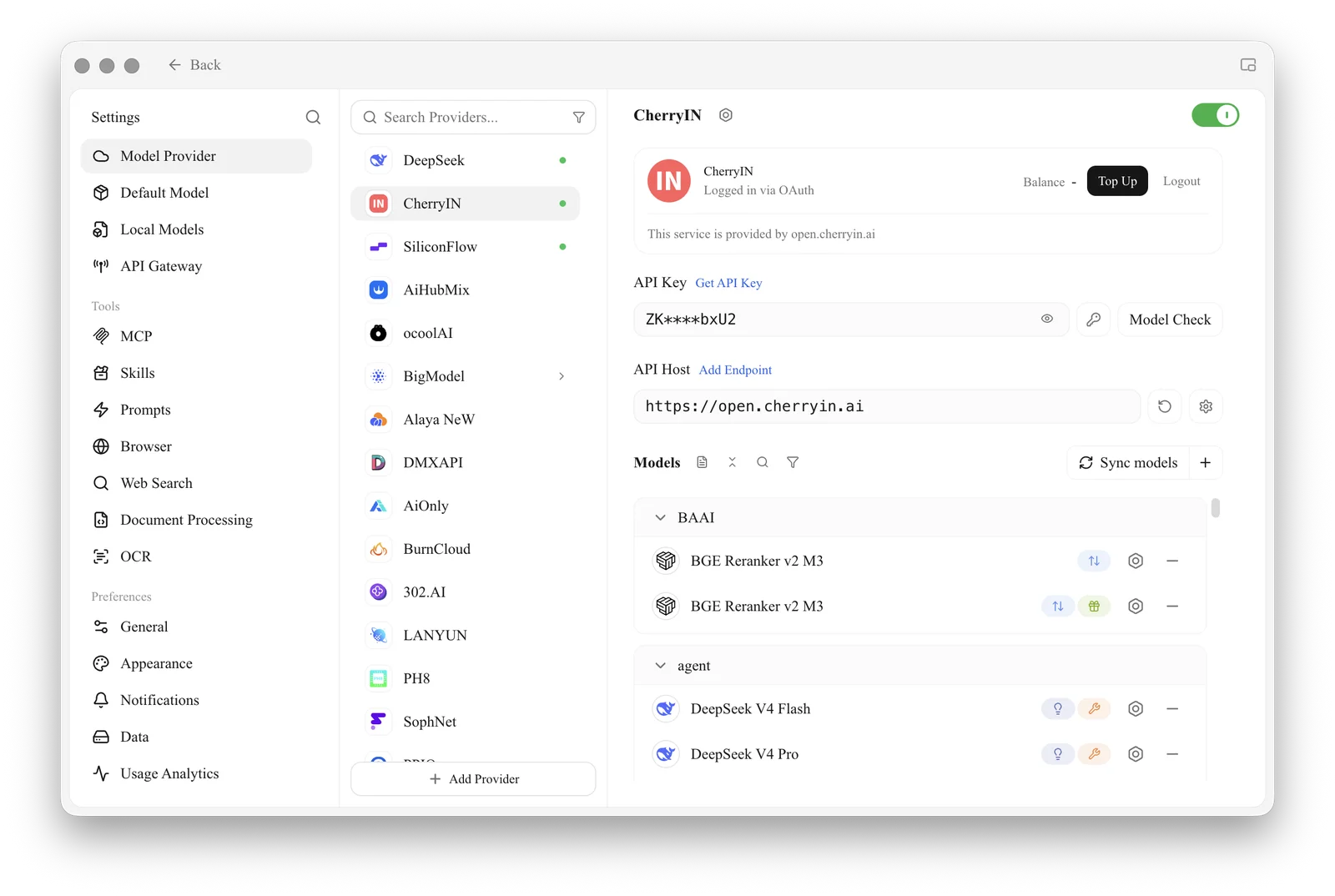
- Open Settings → Model Provider → CherryIN and click Get API Key next to the API Key field (you can also log in with your CherryIN account via OAuth)
-
Create a key in the CherryIN console. Note that when creating a key, different token groups have different model multipliers — that is, different discounts.
-
Click the button next to the key to copy it to the clipboard
-
Paste the key into Cherry Studio (the API Key field on the provider page from step 1)
-
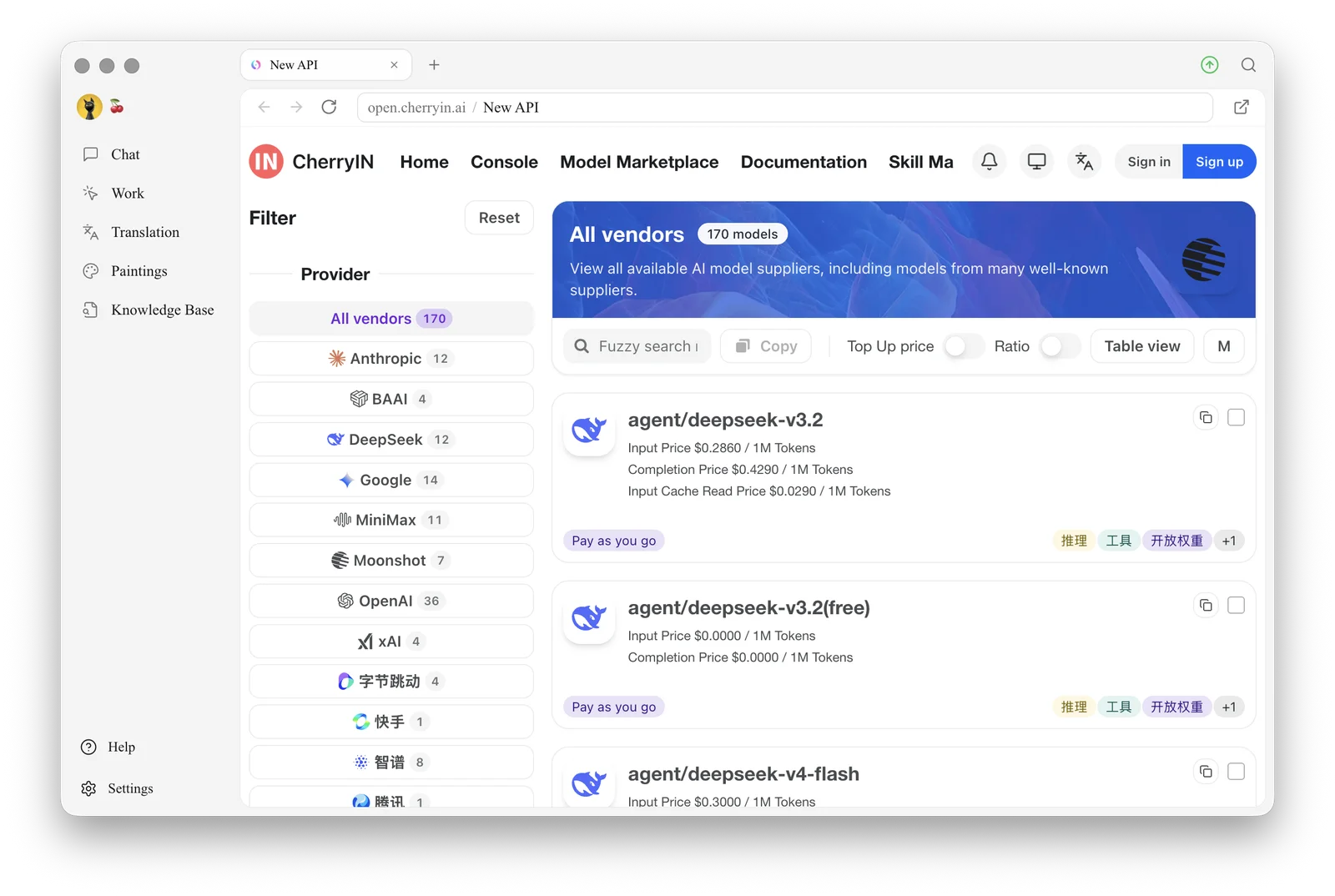
Click Sync models and add models. You can browse all available models and prices on the CherryIN Model Marketplace
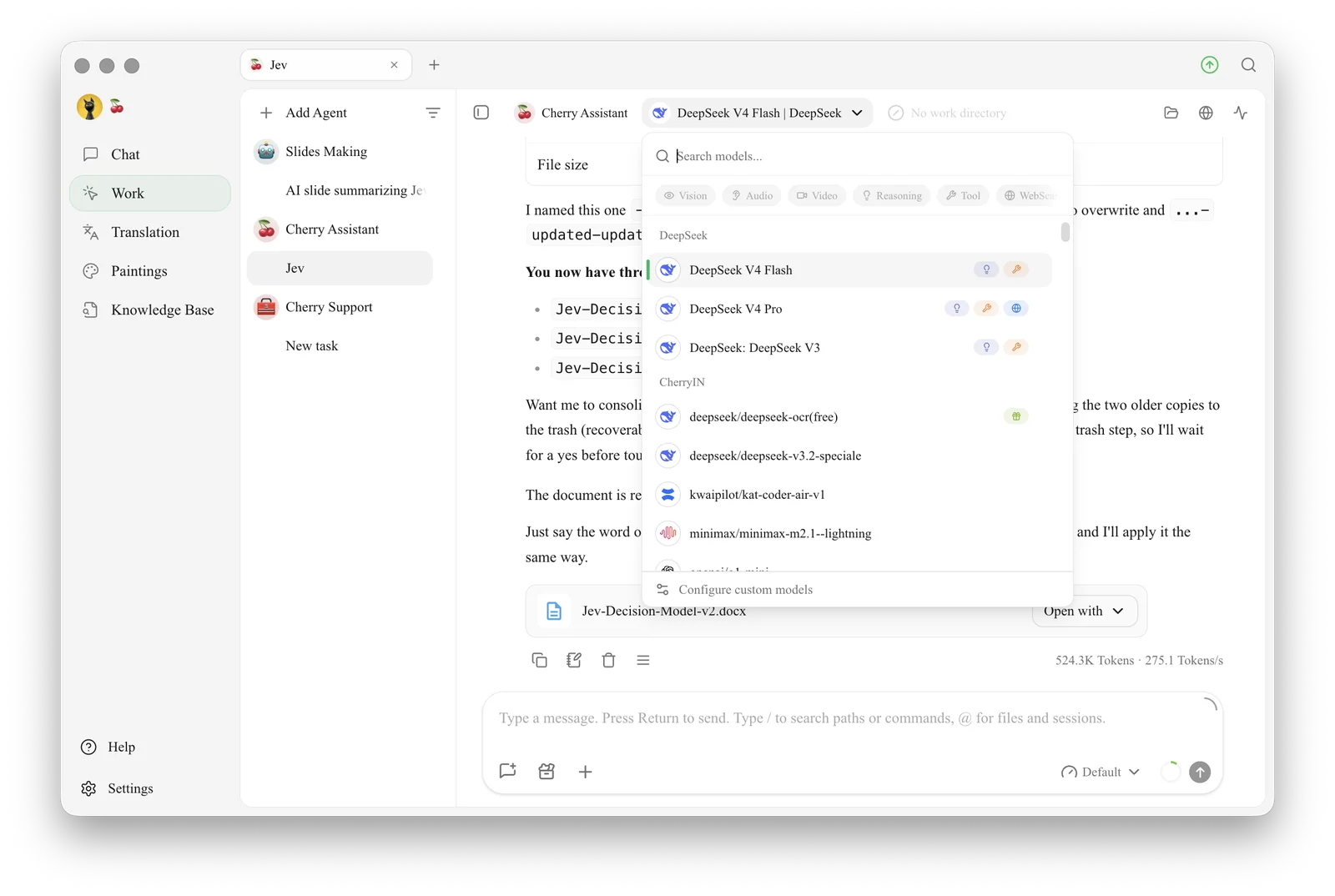
- Select the model in Cherry Studio and start chatting
Get Help and Submit Feedback
If you have any questions, bugs, or feature suggestions during configuration or use, please use the official channels listed in Feedback and Suggestions.